THE NEW ERA OF
PRECISION TRAINING
Reject the static. Embrace the kinetic. Grit Lift delivers professional-grade tracking, editorial-style analytics, and an AI coach that reads your numbers — live, mid-workout. Built for athletes who track — and the coaches who run them.
Lift Where
You Like.
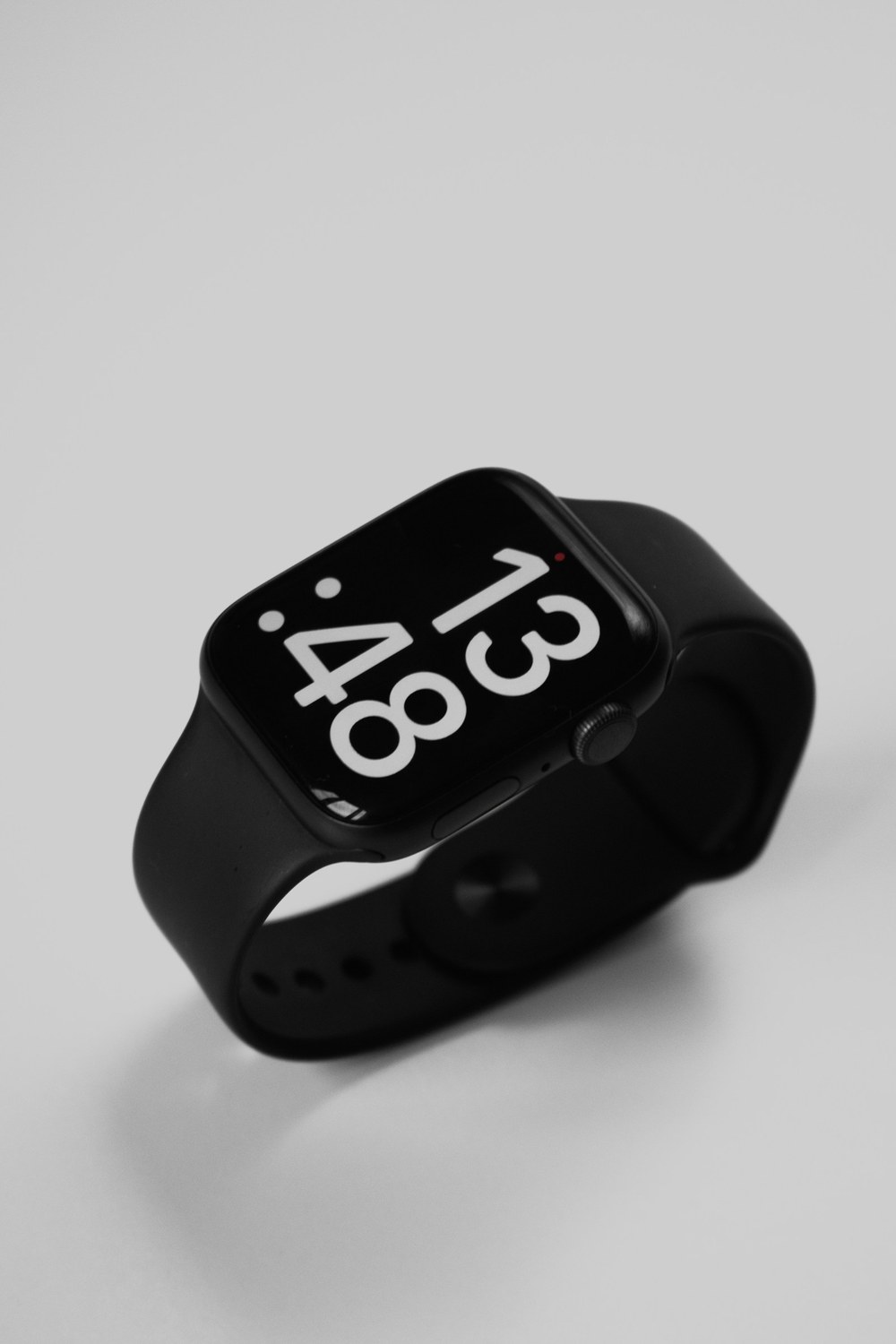
Track every set, rest timer, and PR from the phone — or ditch it for a tetherless experience on your Apple Watch or Wear OS. Same precision, your wrist's call.
Core Architecture
History & Analytics
Weekly sets per muscle against evidence-based targets, e1RM trends, PRs, and progress velocity — and every number drills down. Tap a muscle to see exactly which sessions its volume came from.
Workout Tracking
Sets, reps, rest timers, and progressive overload history synced in real-time.
Advanced Nutrition
AI-powered label reader and barcode scanner for instant macro-precision.
890+ Exercises & Yours
Extensive library with correct demonstrations — lifts, cardio from running to padel and pickleball, timed holds and bodyweight work, each tracked the way it's actually trained: weight, reps, or time. Plus your own custom movements with photos and full history.
Progressive Overload
Effort-aware suggestions from your true latest attempt at every lift — snapped to weights that actually exist on your racks and machines, so 41.7 kg never happens. Coming back after months off? It digs out your old numbers and tells you, honestly, to start lighter.
Your Dashboard
Today's session, muscle volume, nutrition, sleep, steps, bodyweight — reorder the cards, hide what you don't use. Your home screen, your call.
The Whole Picture
Sleep scores, step counts, bodyweight trends that understand whether you're bulking or cutting, and nutrition auto-synced from Apple Health or Health Connect — the context around your training, on one screen.
Grifter — Your AI Training Partner
A coach that reads your real training data. It builds and edits your programs in chat, coaches you live between sets, preps your session, debriefs your workout, reviews your week — and remembers what matters, like that shoulder you're nursing. No generic advice. Your numbers, interpreted. And if you coach for a living, Grifter runs your whole roster under your own rules — see Coach HQ below.
Meet Grifter.
Grit + Lifter. Your AI, Your Data.
Grifter lives inside your training log. It reads your sets, your trends, your PRs — and tells you what the numbers actually mean. Stalling on bench? Grifter sees it in your e1RM curve before you notice the reps dropping. Volume running low for back? It flags the gap against evidence-based targets.
And it doesn't stop at watching. Say “build me a program” and Grifter interviews you, drafts the whole thing — your custom exercises included — and hands you a review screen before anything saves. Mid-workout, pull up the live coach: it sees every set as you log it, answers between rests, and gives you a nudge when your reps start fading. One tap preps your session — and when you sign off on the numbers, they become the plan: every target lands on your workout screen with the reasoning in plain sight. The app, the chat, and the live coach all read the same page.
It even remembers — the shoulder you're nursing, the equipment you own, how you like to train. Every conversation starts with context, not a blank slate.

Trainer Mode
Built for
Professionals.
A complete coaching platform — clients, chat, scheduling, and live sessions in one place. Stop juggling spreadsheets and five apps.
Invite Clients
Onboard athletes in seconds with simple invite codes.
Assign Programs
Deploy periodized programs with a single tap.
Client Chat & Push
Message clients in-app — delivered as push notifications they can reply to straight from the lock screen.
Scheduling & Calendar
Book sessions from the client page, approve requests from the notification itself, automatic reminders — with overlap checks across your roster.
Live Session Co-pilot
Coach a client's workout live from your phone as every set lands — even group sessions, finishing one athlete without dropping the rest.
Plan the Next Session
Set each client's weights and reps ahead of time — your numbers appear on their workout screen with a whistle mark and your reasoning, not the app's guess.
Coaching Notes
Add contextual cues to specific sets or exercises — your AI chief-of-staff reads them too.
What the coach actually sees
Three clients.
Three things you'd have missed.
Ask about any client in plain language. The numbers come from a deterministic engine over their real logged sets — never a guess, and never a number that wasn't computed.
These are sample clients, not customers. Emma, Tom and Sarah are the demo accounts that ship with GritLift — you can sign into the same roster and ask the same questions yourself. Their training histories are generated; the analysis is not. Every figure here was computed from those logs by the same engine that runs for real clients, and the screenshots are unedited.
When a client hasn't trained enough for a metric to mean anything, it returns no answer at all rather than a confident one. That's the part worth trusting.
Your Rules.
Your Playbooks.
Grifter works for coaches too — on your terms.
Every coach has a system — the rep ranges you trust, the movements you never program, how you periodize. Teach it to Grifter once, as playbooks: named rule sets like “Strength” or “Hypertrophy” that you assign per client. When Grifter drafts a program for that client, your playbook is law — not a suggestion.
You control the logic; Grifter does the labor. It builds complete client programs inside your rules, and when a rule collides with what a client's data says they need, it flags the tension and hands you the call — it never silently overrides you, and never follows a rule off a cliff.
Beyond programming: a morning triage digest ranks your roster — who's slipping, who just PR'd, who trains today — and you can ask about any client with their full training history in view. Clients stay in control with AI consent they can switch off at any time.
Frequently Asked
Is GritLift free? add
Yes — the core app is free. You can log unlimited workouts, build programmes, track nutrition, and review your history without paying. Watch and Trainer features are paid add-ons (with free trials) so you only subscribe if you actually use them.
Do I need a smartwatch to use it? add
No. The phone app stands on its own. The watch is an optional companion for when you'd rather leave the phone in your bag.
Which devices are supported? add
iPhone (iOS 15+), Android (10+), Apple Watch (watchOS 10+), and Wear OS 4+ watches.
Can I create my own workout programmes? add
Yes. Build programmes from scratch, pick exercises from a library of 890+ movements — lifts, cardio, and racquet sports included, configure sets, reps, rest, and supersets — or just tell Grifter what you're after. It runs a short interview, drafts the full programme (your custom exercises included), and shows you a review screen before anything saves.
Does it suggest weights for me? add
Yes. GritLift uses effort-aware double progression — it looks at your last performance and your reported effort (RPE), then suggests the next weight or rep target. Push the floor when you're ready, hold steady when you're not.
Can I add exercises that aren't in the database? add
Yes — create custom exercises with your own name, muscle group, equipment, photo, and description. They behave exactly like built-in exercises: same progression engine, full history and PRs, a "My exercises" filter in the browser, renameable any time — and Grifter can program with them.
Can I log a workout entirely from my watch? add
Yes. Start a programme from your wrist, log sets, switch exercises, and finish the session — all without touching your phone. Everything syncs back the moment your phone reconnects.
Does GritLift track nutrition? add
Yes — calories and macros (protein, carbs, fat). Search a global food database, scan barcodes, photograph nutrition labels, or save your own meals for one-tap logging later.
What is Grifter? add
Grifter is GritLift's AI training coach — part insight engine, part coaching chat. The insight cards (progress trends, volume analysis, frequency tracking, PR alerts, deload signals) are free and run on pure math. The chat is a paid add-on ($5/mo, BYOK via OpenRouter): it builds and edits your programmes with a review step before anything saves, coaches you live mid-workout with your sets in view, preps sessions — and can lock the numbers you agree on straight onto your workout screen, reasons included — debriefs workouts, reviews your week, remembers key facts about you between conversations, and takes your own custom one-tap prompts. It factors in your nutrition, sleep, and bodyweight where they matter — but it stays in its lane: your training.
What does Trainer Mode include? add
A full coaching platform: invite clients with a code, chat with push notifications (clients can reply from the lock screen), book and manage sessions on a shared calendar with automatic reminders and approval from the notification itself, coach live workouts in real time (including group sessions), assign programmes, and keep per-client coaching notes. Trainer Mode is a paid add-on with a free trial. Coaches also get Coach HQ — Grifter working across the whole roster with a morning triage digest, per-client analysis, and programme building under your own coaching playbooks.
What are coaching playbooks? add
Playbooks are your coaching philosophy, made executable. Group your rules into named sets — “Strength: main lifts 3–5 reps, 3-minute rests”, “Beginners: no machines” — and assign a playbook to each client. When Grifter builds or edits that client's programme, the playbook is a hard constraint, alongside rules you apply to every client. If a rule conflicts with what a client's data suggests, Grifter flags it and lets you decide — it never silently overrides you. Teach rules in coach chat or manage them on the My Coaching Rules screen; clients can switch off AI review of their data at any time.
What is OpenRouter, and why do I need a key? add
GritLift uses OpenRouter — an AI gateway — to power smart food search and the nutrition label scanner. To keep the app free and avoid building API costs into the price, you bring your own key. Setup takes about a minute: create a free account at openrouter.ai, generate a key, paste it into Settings, and you're done. Testers can request a shared key by emailing support@gritlift.app.
Does it integrate with Apple Health or Health Connect? add
Yes. Pull in body weight, sleep, and activity data to enrich your dashboard. Permissions are opt-in and you can revoke them at any time.
Can I customise the dashboard? add
Yes — drag the Home cards into any order and toggle off the ones you don't use (Settings → Dashboard). Your layout syncs to your profile, so it follows you across devices.
Where is my data stored? add
Your data is stored securely in Google Firebase (Cloud Firestore). Only you and any trainer you've explicitly connected with can access it. We never sell or share your data with advertisers.
Can I delete my account and data? add
Yes — visit the account deletion page or use the in-app settings. All your workout, nutrition, and personal data is permanently removed.
Can my coach see my workouts? add
Yes — if your coach has a GritLift Trainer account, send them an invite code from the app to connect. They can view your sessions, assign programmes, chat with you, book sessions, and coach your live workouts. You control whether their AI can review your data (on by default, switch it off any time), and you can disconnect entirely whenever you like.
READY TO LIFT?
Coaches — bring your book of clients. Chat, scheduling, live coaching, and an AI chief-of-staff that programs by your rules.
 Open to testers